Welcome back.

Here's where to start, depending on what you want to make.

Latest upgrades

Here's what's new on AI Model Factory.

Pick the right tool

Best for images Highest quality, photorealistic results
Best for reels Short-form video with your character
Uncensored NSFW images and video, unfiltered
Need support?
Message @tobynow on Telegram for help with anything broken.
Got an idea?
Send improvements or feature requests to @tobynow on Telegram.

The Factory

Describe the shots you want, type or speak, and they appear on the right.

Chat
What do you want to make? For example: “5 photos of her in a café” or “2 short clips of her walking on the beach”. Pick a saved character on the right to keep the same face across every shot.
Tips for best results
  • Marketing & everyday — crisp, in-focus shots
  • Swimwear, lingerie & adult — fully supported
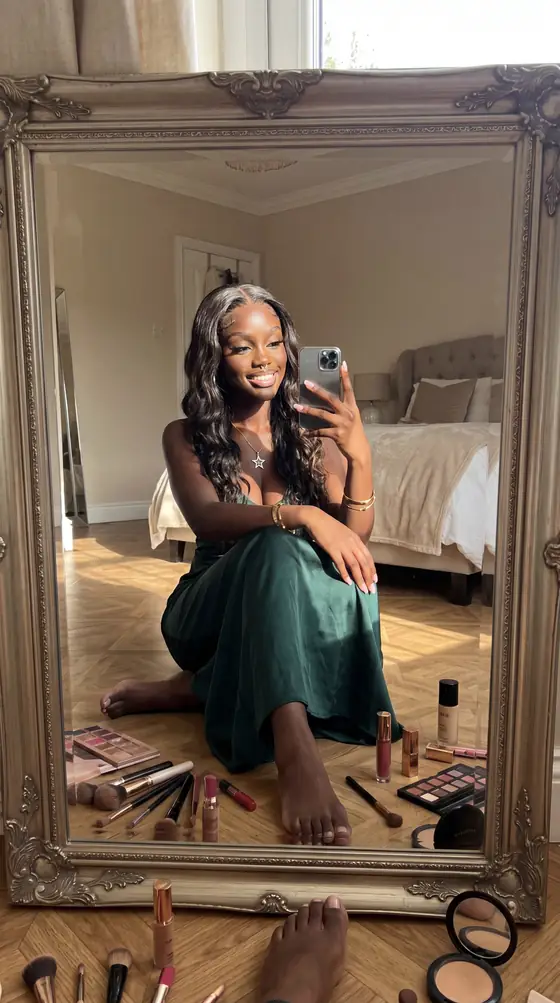
  • Selfies — ask for a POV or mirror selfie
  • Short clips — 5–10s video
Send a request and your plan shows here.
Generations also save to your History.
CHARACTER IMAGE
Click to upload PNG/JPG recommended
REFERENCE IMAGES
Click to Select Folder Select multiple reference images (poses, styles)
Estimated Cost: 27 tokens (1 images × 27/each)
IMAGE PREVIEW
Generated images will appear here
GENERATION SETTINGS
Lower = more preservation | Higher = stronger changes
IMAGE GENERATOR • READY
0%
SYSTEM CONSOLE
[--:--:--] [SYSTEM] Image Generator ready

Chrome Extension Required

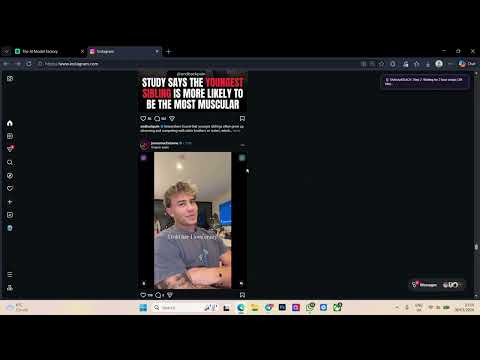
OneLinkk allows you to generate AI images from any websitewith a single click. Browse Instagram, Pinterest, or any site - click the robot icon on any image to transform it with your character!

This feature requires the Chrome extension installed on a PC

YOUR CHARACTER Required
Upload your AI character This face will be used for all generations

Max file size: 50MB · auto-compressed for best quality

Not synced with extension
50 tokens per image • 4K with upscale
GENERATION SETTINGS
Lower = more preservation | Higher = stronger changes
Cost per click: 50 tokens (50tokens × 1variation)

Settings sync with Chrome extension automatically

EXTENSION GENERATIONS
No generations yet Use the Chrome extension to generate images while browsing any website
HOW IT WORKS
1
Upload & Save

Upload your AI character image and save your settings

2
Install Extension

Download and install the Chrome extension on your PC

3
Login in Extension

Click the extension icon and login with your account

4
Browse & Click

Visit Instagram, Pinterest, etc. Click the icon on any image

5
View Results

Generated images appear here and in your History

WORKS ON
Instagram Pinterest Twitter/X TikTok Reddit Facebook Tumblr + Any website

Chrome Extension Required

ReelGen lets you generate AI video reelswith a single click. Browse Instagram, TikTok, or Google Drive - click the ReelGen button on any video to transform it with your character!

This feature requires the Chrome extension installed on a PC

YOUR CHARACTER Required
Upload your AI character This face will be used for all reel generations

Max file size: 50MB · auto-compressed for best quality

Not synced with extension
This prompt will be added to every reel generation
GENERATION SETTINGS
~825 tokens for a 10s reel (2.6) | ~1400 tokens (3.0)
Lower = more preservation | Higher = stronger changes
Cost per reel: up to 1,098 tokens (150 base + 2vars × 34 + up to 10s × 88)

Settings sync with Chrome extension automatically

No images yet Face swap variations will appear here when you generate reels
HOW IT WORKS
1
Upload & Save

Upload your AI character image and save your settings

2
Install Extension

Download and install the ReelGen Chrome extension

3
Login in Extension

Click the extension icon and login with your account

4
Browse & Click

Visit Instagram, TikTok, or Google Drive. Click the ReelGen button on any video

5
View Results

Face swap images and AI video reels appear here

WORKS ON
Instagram TikTok Google Drive
Tip: Be specific about physical features, clothing, and style.
Cost: 15 tokens
Tip: Nano Ultra creates stunning 4K/8K high-resolution images.
Cost: 150 tokens (4K Ultra)
IMAGES TO UPSCALE (up to 20 images)
Click to upload images AI-powered upscale with facial detail preservation
Cost: 50 tokens per image

Powered by Crystal Upscaler AI. Optimised for portraits and faces — preserves skin texture, eye clarity, and facial detail. Output: 4 megapixels.

REFERENCE CHARACTER Required
Upload your character image Clear face photo for best results
Total cost: 2,000 tokens (40 × 50images)

Tips

  • For uncensoredimages, your reference image must be uncensored
  • For maleimages, use a male reference image
  • Use a clear, well-lit face photo for best results
  • Images are generated in pairs for speed
  • You can cancel at any time — unused tokens are refunded
CHARACTER PREVIEW
Your character will appear here
CHARACTER CREATOR • READY
SYSTEM CONSOLE
[--:--:--] [SYSTEM] Character Creator ready

Bulk Image Creation

This character will appear in all generated images.
The AI will create variations of this theme for each image.
⬆️ Auto-upscale included
Cost: 40 tokens (5 base + 3 upscale) × 5
GENERATED IMAGES
Your image variations will appear here
BULK CREATOR • READY
SYSTEM CONSOLE
[--:--:--] [SYSTEM] Bulk Image Creator ready
Create images that you can use in the reference image section of the Image Generator feature.

Nano Banana 2 Advanced Edit

IMAGES TO EDIT 0 selected
Click to select images for Ultra editing Select 1-10 images • Output up to 8K resolution
REFERENCE (Optional)
Add style reference
Edit Strength 70%
Subtle Strong
Ultra Edit Cost: 0 tokens (0 images × 150)
EDITED RESULTS
Ultra edited images will appear here Up to 10 images at 4K/8K resolution
ULTRA SETTINGS
Auto (from input image) --
ULTRA EDITOR • READY
SYSTEM CONSOLE
[--:--:--] [SYSTEM] Nano Banana 2 Editor ready
Great for creating celebrities, tattoos, or editing images.
SOURCE IMAGES
Click to Select Images Select images to convert to video
Estimated Cost: 150 tokens (1 video × 150/each)
VIDEO PREVIEW
Generated videos will appear here
VIDEO SETTINGS
VIDEO GENERATOR • READY
0%
SYSTEM CONSOLE
[--:--:--] [SYSTEM] Video Generator ready

Support

Need help? Message me directly on Telegram and I'll get back to you.

Talk to me on Telegram

Fastest way to reach me. Message any time — questions, bug reports, feature requests, billing issues, anything.

Message on Telegram

Quick tips

  • Check your token balance before starting a generation
  • More detail in prompts produces better results
  • Higher resolution costs more tokens
  • Videos typically take 1–3 minutes

Account settings

Change your password or manage account security.

Video to Audio

Generate sound effects and background music from your video using AI.

SOURCE VIDEO Required
Click to upload video MP4, MOV, WebM • Max 60 seconds recommended
Cost: 35 tokens
RESULT PREVIEW
Generated video with audio will appear here
VIDEO AUDIO • READY
0%
SYSTEM CONSOLE
[--:--:--] [SYSTEM] Video to Audio (Kling) ready
Note: This uncensored software allows you to add audio to any clip.

Upscaler

Send images here from any generation page to upscale them. Powered by Crystal Upscaler.

UPLOAD FROM COMPUTER Add up to 20 images at once
Click to upload images PNG, JPG, WebP — added to the queue below
Queue 0 in queue
No images in queue Send images here from Batch V1, Solo Mode, Nano Banana, or any other generation page
History 0 upscaled
Upscaled images will appear here.